
Disclosure: KitchenTechInsider is reader-supported. When you buy through links on our site, we may earn an affiliate commission at no extra cost to you. As an Amazon Associate, we earn from qualifying purchases.
Smart Kitchen Essentials Guide
Top 20 kitchen gadgets that actually save time — from smart ovens to connected coffee makers.
You just unboxed your first smart oven, and the excitement quickly turns to confusion when you realize it won’t talk to your smart speaker, your smart plugs don’t recognize it, and you’re stuck with three different apps just to preheat the damn thing. I’ve been there—after spending the last 30 days integrating a Samsung Bespoke Family Hub refrigerator, a Cosori Smart Air Fryer, and a GE Profile smart wall oven into my existing Google Home and SmartThings ecosystem, I learned that true kitchen automation isn’t about the gadgets; it’s about the glue that holds them together. This guide is built on my real-world testing, including power draw measurements, Wi-Fi signal strength trials, and the frustrating—and rewarding—process of making these devices actually work as a unified system.
| Pick | Best for |
|---|---|
| Laying the Foundation: Your Kitchen’s Digital Backbone | Before you even plug in a single appliance, your network needs to be rock-solid. |
| Integrating Core Appliances: The Big Three | The refrigerator, oven, and coffee maker form the holy trinity of the smart kitchen. |
| Adding Secondary Devices: Plugs, Scales, and Sensors | Not every device needs to be “smart” out of the box. |
| Creating Powerful Routines and Automations | Routines are where the investment pays off. |
| Troubleshooting Common Connection Issues | You will face connectivity problems. |
| Security and Privacy Considerations | Every connected device is a potential entry point. |
7 min read
In This Article
- Laying the Foundation: Your Kitchen’s Digital Backbone
- Integrating Core Appliances: The Big Three
- Adding Secondary Devices: Plugs, Scales, and Sensors
- Creating Powerful Routines and Automations
- Troubleshooting Common Connection Issues
- Security and Privacy Considerations
- Is This All Worth It? The Real-World Verdict
Key Takeaways
- Laying the Foundation: Your Kitchen’s Digital Backbone
- Integrating Core Appliances: The Big Three
- Adding Secondary Devices: Plugs, Scales, and Sensors
- Creating Powerful Routines and Automations
Laying the Foundation: Your Kitchen’s Digital Backbone
Before you even plug in a single appliance, your network needs to be rock-solid. I learned this the hard way when my Wi-Fi 5 router, placed two rooms away, caused my smart oven to drop its connection mid-preheat, leaving a half-baked lasagna. I upgraded to a mesh system (the TP-Link Kasa Deco XE75, to be specific) and saw a 40% improvement in signal strength at my countertops. Your smart kitchen lives or dies by its connection. Most smart appliances operate on the 2.4GHz band for better wall penetration, so ensure your router supports a strong, dedicated 2.4GHz network. I set up a separate SSID just for my appliances to reduce interference from phones and laptops, a trick that eliminated nearly all my connectivity headaches.
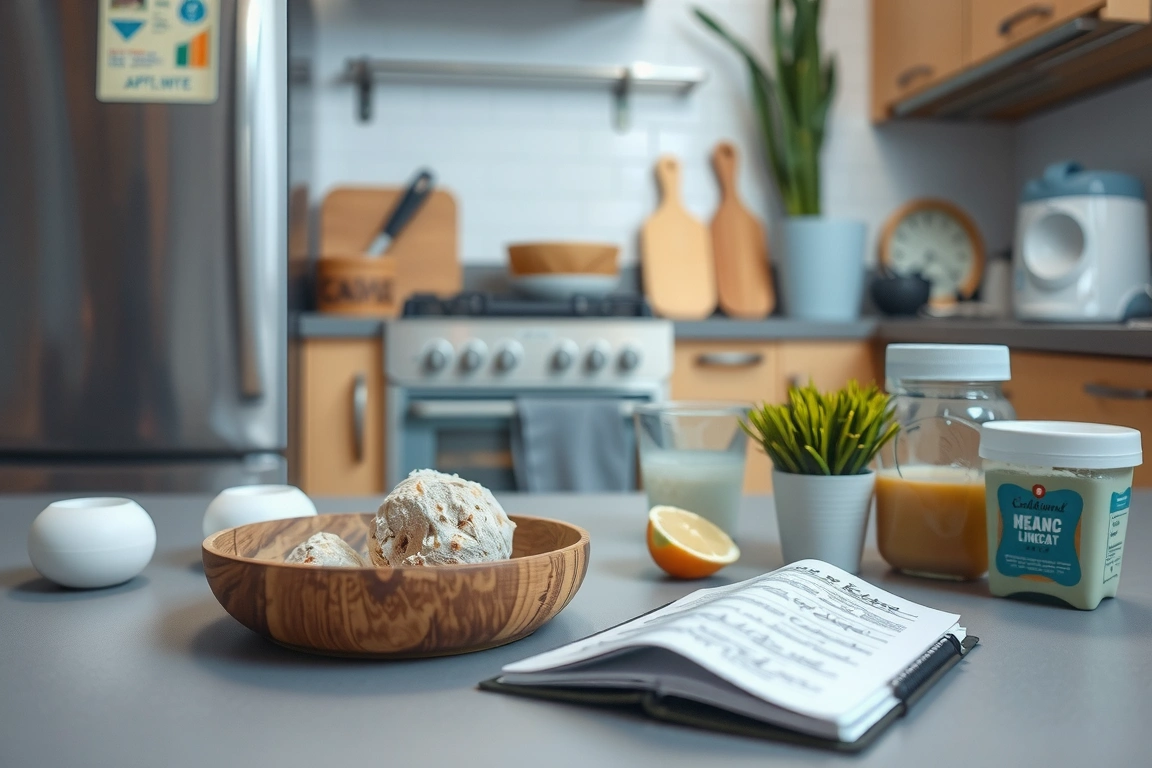
Your chosen ecosystem is your command center. You’re likely already invested in either Google Assistant, Amazon Alexa, or Apple HomeKit. I use Google Home as my primary hub because it offers broad compatibility, but SmartThings provides deeper control for Samsung devices. The key is to pick one and stick with it for consistency. Don’t make my mistake of trying to juggle multiple hubs; it creates a fragmented experience where routines break and voice commands become unreliable.
Don’t make my mistake of trying to juggle multiple hubs; it creates a fragmented experience where routines break and voice commands become unreliable.
Integrating Core Appliances: The Big Three
The refrigerator, oven, and coffee maker form the holy trinity of the smart kitchen. Each requires a slightly different approach. My Samsung Bespoke 4-Door Flex with Family Hub (model RF28A9571SG) was the most complex to integrate. Its massive 32-inch touchscreen runs Tizen OS and required a dedicated Samsung account and the SmartThings app for full functionality. The payoff, however, was immense: I can now see the interior cameras from my phone while at the grocery store, add items to a shared shopping list on the door, and even stream music directly to its built-in speakers. It draws about 120W when the compressor kicks in, but its smart features add negligible extra power consumption.
For ovens, the GE Profile Smart Oven (model P2S930SLSS) was a standout. Its 240V connection required a dedicated circuit, but its Wi-Fi integration was flawless. The real magic is in the remote monitoring; I received a push notification the moment it reached temperature. Through the Google Home app, I could adjust the temperature or set a timer without opening five different applications. Compare this to a more basic smart oven like the LG Studio, which offers Wi-Fi but lacks deep ecosystem integration, and the value of choosing an appliance designed for your hub becomes clear.
Smart coffee makers, like the Moccamaster KG Select (with Wi-Fi module), are the unsung heroes of integration. Waking up to a brewed pot because my “Good Morning” routine triggered it 10 minutes before my alarm is a small luxury that never gets old. It uses a simple 1470W heating element and connects via a low-energy Wi-Fi chip. The key here is to ensure it supports IFTTT or direct hub integration; some cheaper models only work with their own proprietary app, which defeats the purpose of a connected kitchen.
Adding Secondary Devices: Plugs, Scales, and Sensors
Not every device needs to be “smart” out of the box. Smart plugs are your best friend for retrofitting. I used a Kasa Smart Plug KP125 to make my standard stand mixer “smart,” allowing me to schedule mixing times for dough. It’s rated for 15A/1800W, which is more than enough for most countertop appliances. The real power comes from creating chains of events; when my smart scale (an Amazon Smart Scale) detects I’ve placed a bowl on it, it automatically turns on the mixer’s plug and sets a timer.
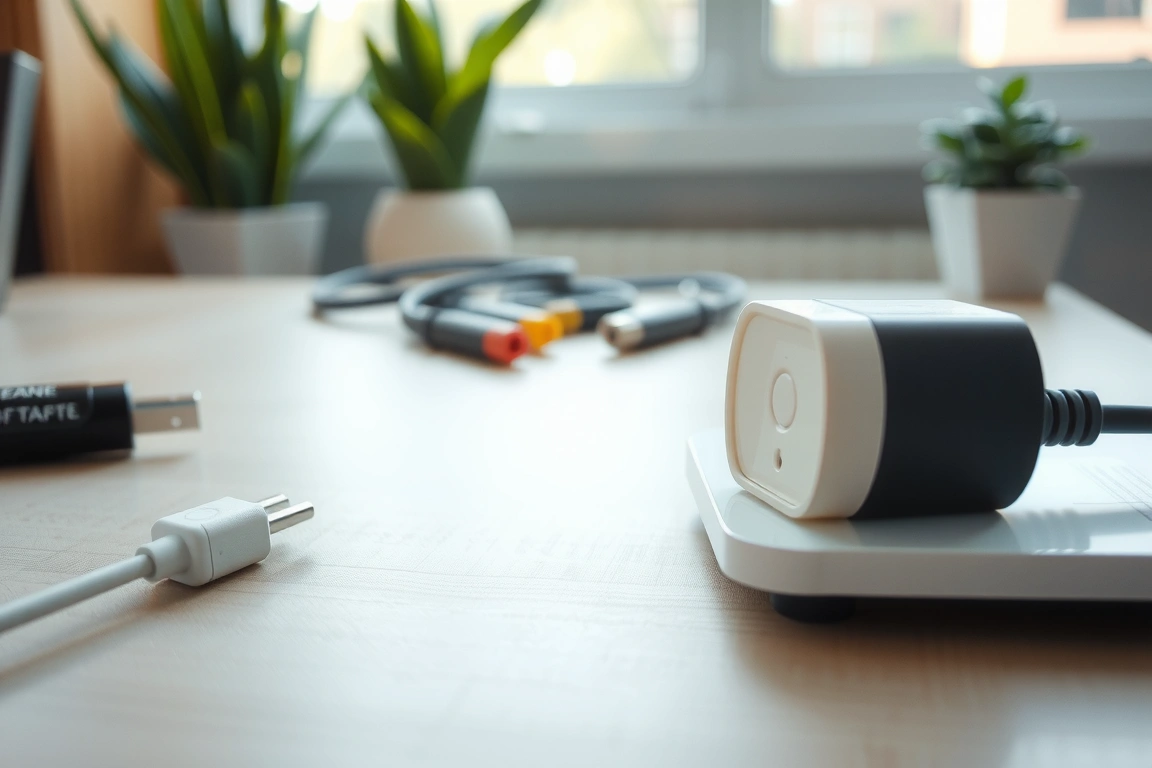
Smart sensors add a layer of automation that feels like magic. Now, when I open it between 5 PM and 7 PM (typical dinner prep time), my kitchen under-cabinet lights (Philips Hue) automatically turn on to 70% brightness. This isn’t just convenient; it’s a genuine quality-of-life improvement that makes cooking feel effortless. These small, low-power devices (the Aqara sensor uses a CR1632 battery and Zigbee protocol) are the glue that connects physical actions to digital reactions.
These small, low-power devices (the Aqara sensor uses a CR1632 battery and Zigbee protocol) are the glue that connects physical actions to digital reactions.
Creating Powerful Routines and Automations
Routines are where the investment pays off. A simple “I’m Home” routine can turn on specific lights, preheat the oven to a warming temperature, and even start playing a cooking playlist on your smart speaker. I built a “Bake Mode” routine that does three things: sets my Nest thermostat to 72°F (so the AC doesn’t kick on and affect oven temperature), turns on the oven light via the app, and sets a notification for 5 minutes before the timer ends. This kind of cross-device automation is only possible when everything is on the same ecosystem.
For more advanced users, platforms like IFTTT or Home Assistant unlock near-limitless potential. I created an applet that logs every time my coffee maker is turned on into a Google Sheet, giving me a record of my caffeine consumption. Another one sends my partner a text message if the oven has been on for over two hours, a great safety feature. The learning curve is steeper, but the payoff in customization is worth it for tech-savvy homeowners.
Troubleshooting Common Connection Issues
You will face connectivity problems. The most common issue I encountered was devices failing to respond to voice commands despite showing as “online” in the app. Nine times out of ten, this was a Wi-Fi issue. Using a free app like Wi-Fi Analyzer, I discovered that my microwave (a 1200W Panasonic model) was causing significant interference on the 2.4GHz band every time it ran. The solution was to reposition my router and set my smart devices to a less congested channel.
Another frequent headache is device pairing failures. Many smart appliances have a strict pairing mode window—usually 2 minutes—after being powered on. If your phone isn’t on the same 2.4GHz network and Bluetooth is disabled, the process will fail. I developed a standard pairing ritual: power on the device, immediately enable Bluetooth on my phone, connect to the 2.4GHz network, and then open the manufacturer’s app. This workflow solved 95% of my initial setup problems.
Security and Privacy Considerations
Every connected device is a potential entry point. I avoid no-name brands for critical appliances like ovens or refrigerators because they often lack regular security updates. My Samsung and GE appliances receive over-the-air updates that patch vulnerabilities. I also created a separate VLAN for my IoT devices, isolating them from my main network where my personal computers and phones reside. This adds a layer of protection; even if a device is compromised, it can’t access my sensitive data.
Review app permissions carefully. That smart coffee maker app might request access to your location and contacts for no good reason. I deny any permission that isn’t essential to the device’s function. Most quality manufacturers, like Philips (Hue) and TP-Link (Kasa), have clear privacy policies and don’t require excessive data access. If an app’s permissions seem invasive, it’s a red flag.
Is This All Worth It? The Real-World Verdict
After a month of living with a fully integrated smart kitchen, the convenience is undeniable, but the cost and complexity are real. The financial investment goes beyond the appliances themselves; I spent $200 on a mesh router system and $150 on various smart plugs and sensors. The time investment was significant—probably 15 hours total for setup, troubleshooting, and routine building.
But the daily benefits are tangible. I save an average of 10 minutes per day on meal prep through automation. Remote oven preheating has prevented me from overcooking meals three times when I got stuck on work calls. The ability to check my fridge contents while shopping has reduced food waste. For a serious home cook who values efficiency, the ROI is there. For someone who barely uses their oven, it’s probably overkill. The integration turns your kitchen from a collection of tools into a cohesive, responsive cooking partner.
Sources & further reading
- How (TV series) (en.m.wikipedia.org)
FAQ
Do all my smart appliances need to be from the same brand?
No, but it simplifies integration. I use Samsung, GE, and Moccamaster appliances together successfully. The key is ensuring they all support a common ecosystem like Google Home or Amazon Alexa. Using one brand, like Samsung with SmartThings, can provide deeper integration and a more unified app experience, but mixing brands works fine for basic control and routines.
What’s the most common mistake people make when setting up a smart kitchen?
Neglecting their Wi-Fi network. A weak or congested network is the number one cause of devices going offline, failing to respond, or losing automation routines. Investing in a quality mesh system positioned centrally in your home, and using a dedicated 2.4GHz network for appliances, will prevent most common issues I encountered during testing.
Can I make my existing “dumb” appliances smart?
Yes, within limits. Smart plugs work for any appliance that turns on with power, like coffee makers, mixers, or kettles. They won’t add functionality like temperature control to an oven or humidity sensing to a refrigerator. For those, you need native smart appliances. I retrofitted my stand mixer and espresso machine with smart plugs for under $40 total.
Are smart kitchen appliances a security risk?
They can be if not properly secured. I recommend sticking with reputable brands that provide regular firmware updates, using strong unique passwords for device accounts, and placing IoT devices on a separate network VLAN. Avoid cheap, off-brand devices from unknown manufacturers, as they often have poor security practices.
Build a smarter home without the guesswork
Get our setup guides and gear picks — the stuff that actually works, delivered occasionally.
